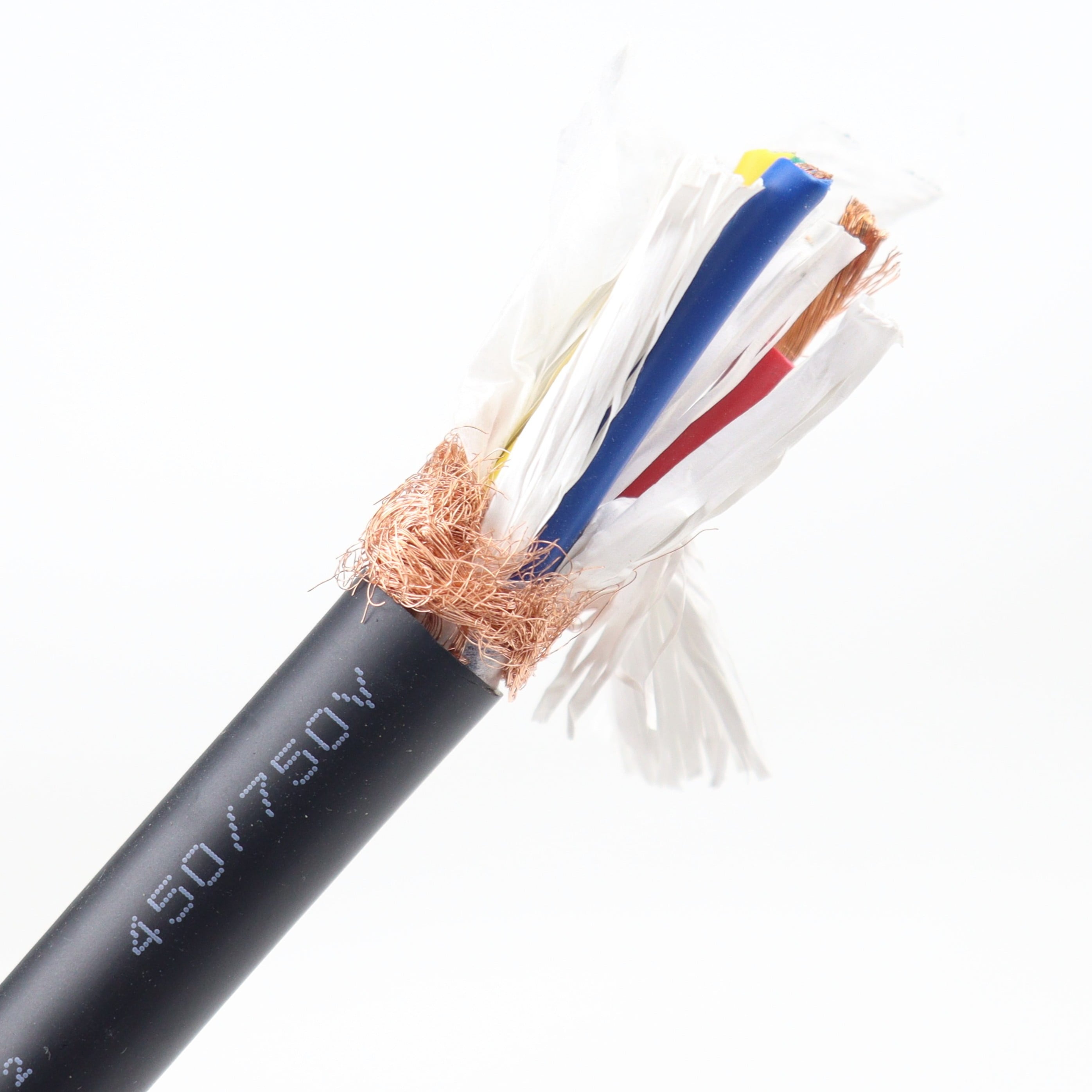
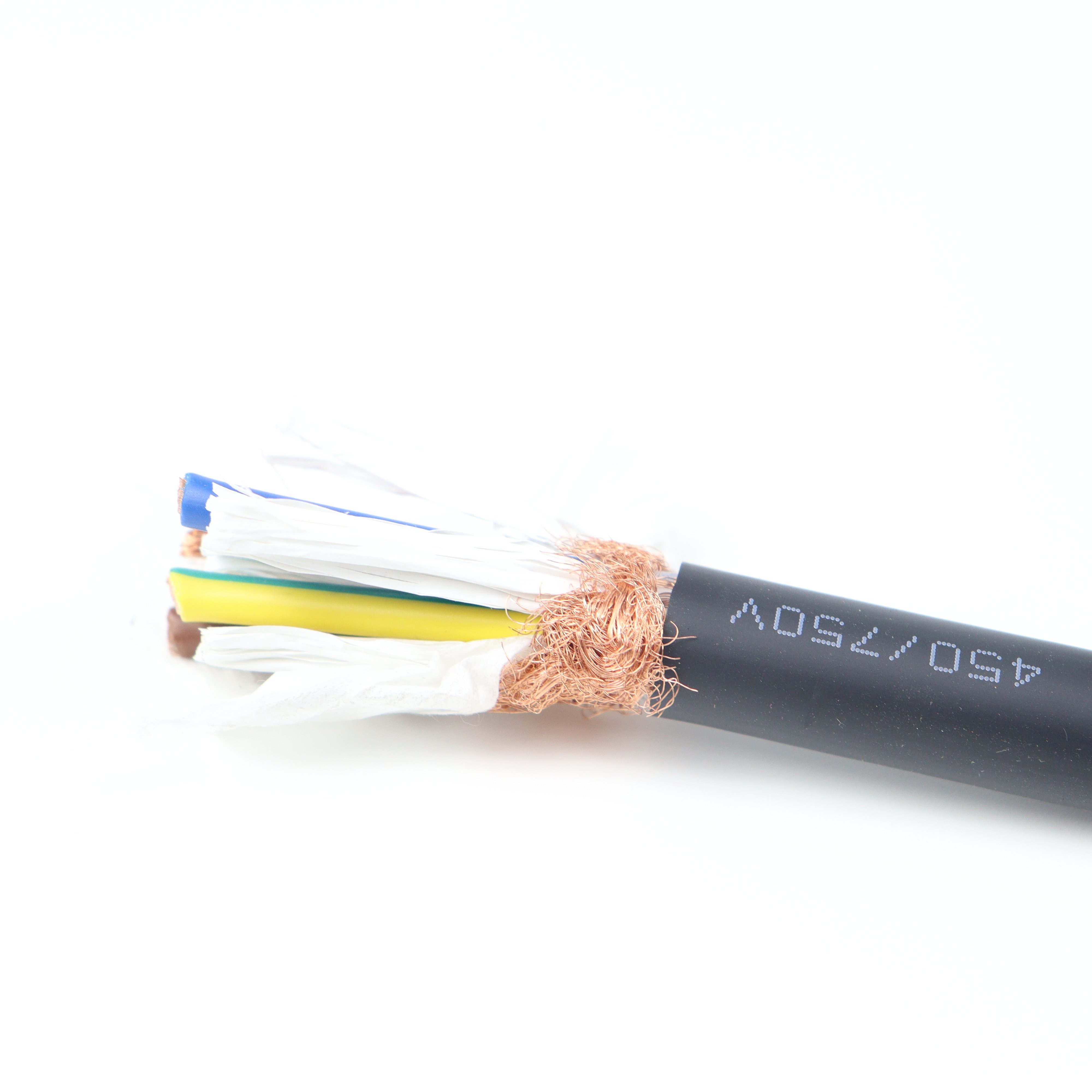
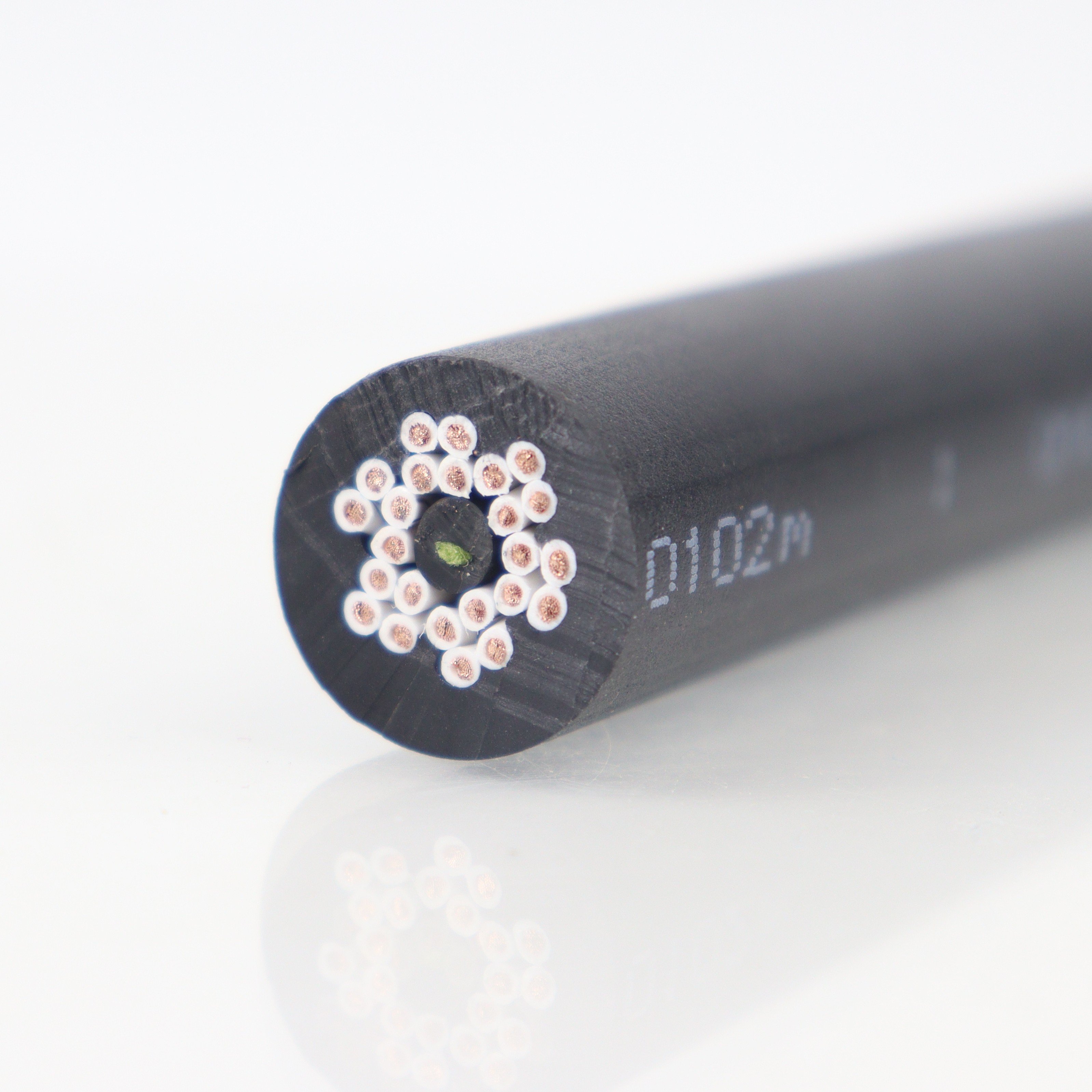
In rack server patching, cable paths must protect signal connections without blocking the air that equipment needs for cooling. The practical goal is to keep each run orderly while respecting bend radius limits and preserving rack airflow clearance. These requirements are connected: a route that is too tight can stress the cable, while a route that sprawls across an intake can obstruct airflow or complicate maintenance.
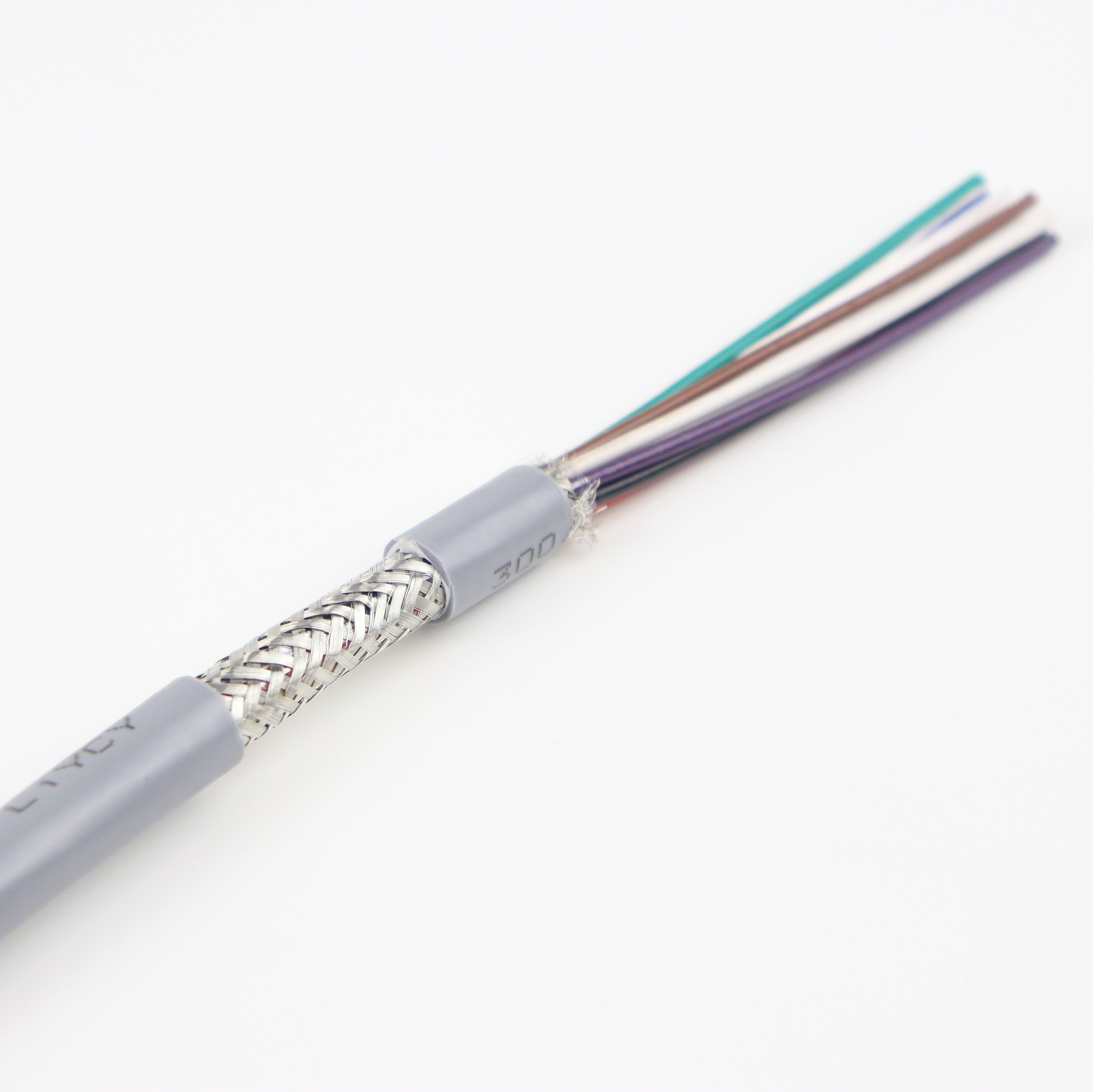
A sound plan starts with the equipment layout, cable construction, and likely service movements, rather than with the shortest possible path. During rack server patching, identify connection points and airflow zones first, then select routes that meet bend radius limits and maintain rack airflow clearance. A flexible Data Cable may help navigate equipment connections, but flexibility does not remove the need to follow its specifications.
Establishing the routing constraints
Map connection points and cable paths
A reliable layout begins with a front-to-back view of the rack, including patch panels, server ports, cable managers, rails, and areas reserved for intake or exhaust. In rack server patching, mark which connections must remain accessible and where bundles may travel without crossing service handles. This map helps teams compare a direct route with a supported path that leaves room for maintenance.
Next, confirm the cable specification and the minimum bend radius provided for that cable type. Bend radius limits apply along the whole route, not just at the visible connection point, so inspect transitions around panel edges, vertical managers, and equipment rails. Avoid planning a turn based only on how easily a cable bends by hand; follow the manufacturer’s stated requirements.
Protect the cooling envelope
Rack airflow clearance means keeping intended air paths open, especially around server intakes, exhausts, and perforated doors. Before securing a bundle, check whether it sits in front of vents or creates a dense curtain across a cooling path. Respecting bend radius limits while maintaining rack airflow clearance is easier when routes use designated side channels rather than open space in front of equipment.
Building a route that respects both limits
Route in a deliberate sequence
For rack server patching, begin at the connection that has the least routing flexibility, then trace the cable toward its destination through supported managers. Leave a smooth service loop only where it is needed for equipment movement or connector access. Do not pack spare length into a tight coil, since that can conflict with bend radius limits and make later work harder.
At each turn, use a broad curve and check the cable against its specified minimum radius. Bend radius limits can vary by construction, so do not assume every cable in a rack can follow the same tight path. Keep connectors from carrying the weight of unsupported cable, and avoid sharp edges or pressure points that could damage the jacket during adjustment.
After establishing the route, examine the bundle from the front and side. Rack airflow clearance is not only a question of whether a cable touches a vent; several small bundles can collectively narrow an intake or obstruct exhaust. Keep the central cooling corridor visibly open, and use managers to prevent cables from drifting back into that space during rack server patching.
Secure bundles without over-compressing them
Use retainers or reusable ties that hold a route without crushing insulation. Tight compression can flatten cables, change their shape at bends, and make moves or additions more difficult. When checking rack airflow clearance, consider both the secured bundle and the path it may take if a device is pulled forward for service.
Verifying the installation and keeping it serviceable
Inspect before closing the rack
Once connections are made, inspect each endpoint and the complete route. Confirm that bend radius limits remain satisfied at the connector, manager exit, and every change in direction. In rack server patching, a visual check should also confirm that labels are readable, cable slack is controlled, and no run blocks access to latches or removable components.
Check rack airflow clearance with equipment in its normal operating position and doors in their expected state. Make sure cables have not shifted across ventilation openings and that bundles do not obstruct the intended front-to-back path. If a route crowds a cooling zone, move it into a manager or revise the path instead of relying on airflow to pass around a dense obstruction.
Plan for changes and routine work
A rack is rarely static, so leave a practical way to add, trace, or replace a connection. During future rack server patching, technicians should be able to identify both ends and release a cable without pulling neighboring runs. Maintain bend radius limits as equipment moves, and reassess rack airflow clearance after additions, removals, or changes to bundle size.
Document the route in a format that reflects actual rack positions, not just logical network connections. A clear record can show which manager carries each run and where slack is reserved. This reduces the chance that later work will push cables into restricted bends or across an intake, preserving both rack airflow clearance and access for service.
FAQ
How can I check bend radius limits in a crowded rack?
Use the cable specification as the reference and inspect each turn along the complete path, including hidden transitions behind managers. If rack server patching leaves too little room to meet bend radius limits, choose a different supported route rather than forcing a tighter curve.
Where should cables run to preserve cooling?
Use designated side managers when available and keep intake, exhaust, and door ventilation areas unobstructed. Check rack airflow clearance after securing bundles, since rack server patching can shift nearby runs into cooling paths.
Should I leave extra cable slack for maintenance?
Leave only enough controlled slack for the intended service movement and connection access. Store it in a broad, supported path that respects bend radius limits and does not reduce rack airflow clearance or interfere with nearby equipment.

 EN