A transfer problem between a computer and a peripheral is not always caused by a defective cable. The USB protocol version supported at each connection point, plus the host device compatibility with the peripheral, determines which operating mode can be used. Understanding these factors helps teams diagnose slow, unstable, or unavailable USB peripheral transfers without replacing components at random.
The practical rule is that a connection generally negotiates a mode supported by the host, peripheral, and cable assembly together. A Data Cable cannot make an older port adopt a newer protocol, and a newer interface does not guarantee that every attached device can use its full capabilities. Checking USB protocol version and host device compatibility before deployment makes transfer expectations more realistic.
How the connection establishes a transfer mode
Protocol support sets the available operating modes
The USB protocol version defines communication rules and supported signaling modes, not just a label printed on a connector. During connection setup, the host and peripheral identify what they support, then establish a compatible mode. USB peripheral transfers therefore depend on the capabilities shared by both ends; host device compatibility determines whether the operating system and port can manage the peripheral correctly.
When the host and peripheral support different generations, they typically use a mutually supported mode rather than the newest one available on either side. This fallback can preserve basic operation while limiting throughput or features. USB peripheral transfers should be assessed against the negotiated mode, while the USB protocol version of each endpoint helps explain why a device may not reach a specified maximum rate.
For example, a newer storage device connected to an older computer may remain usable but transfer data at the older system’s supported rate. Conversely, a legacy instrument attached to a current workstation does not become faster merely because the workstation has a newer port. The USB protocol version sets a ceiling, while host device compatibility determines whether enumeration, drivers, and required functions work as intended.
The complete path matters as much as either endpoint
A cable, adapter, hub, or dock can introduce another limit between the host and peripheral. Even when endpoints advertise strong capabilities, the actual path must support the intended signaling and connection arrangement. USB peripheral transfers may fall back when an intermediate component lacks the required support, so review the whole path rather than checking only the computer and device.
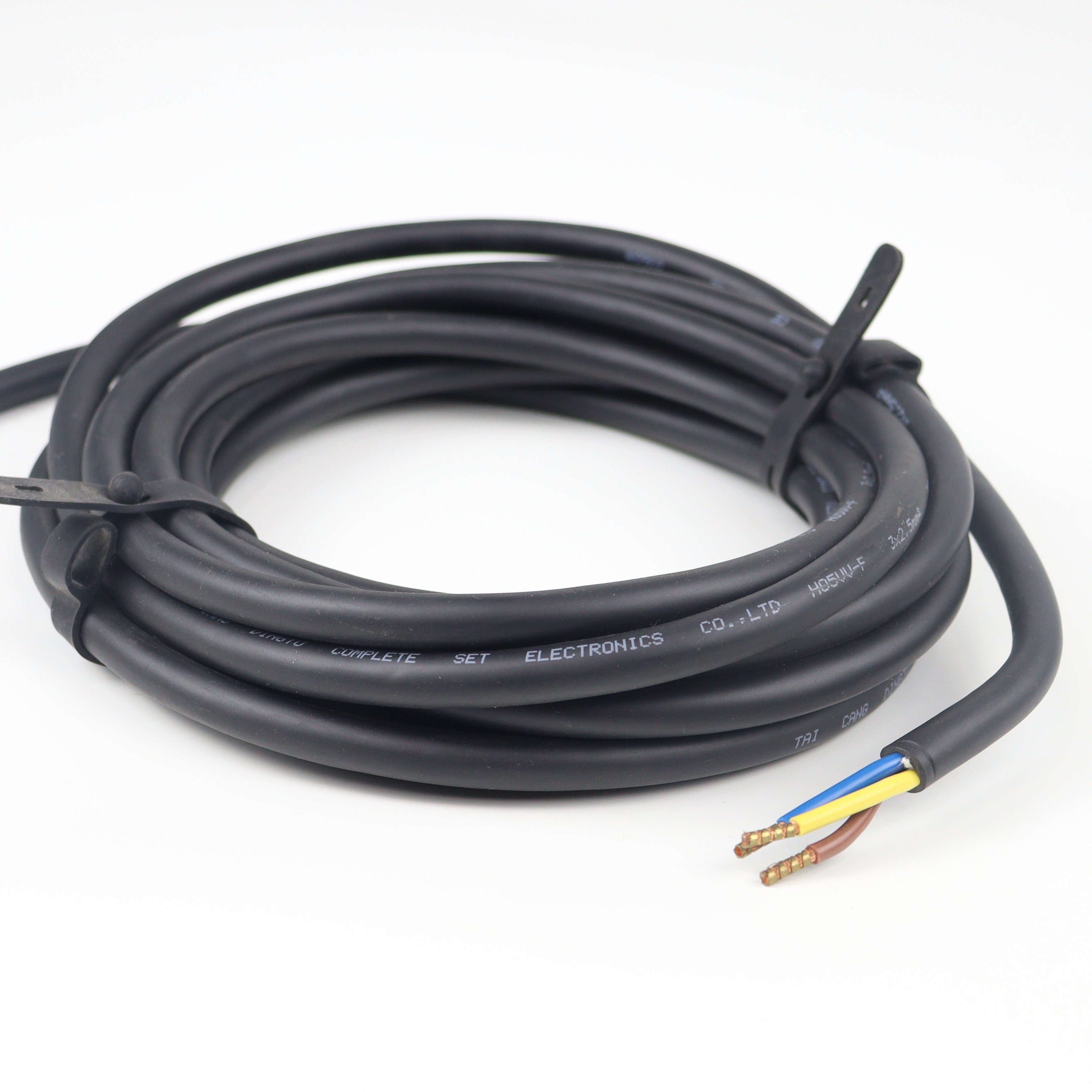
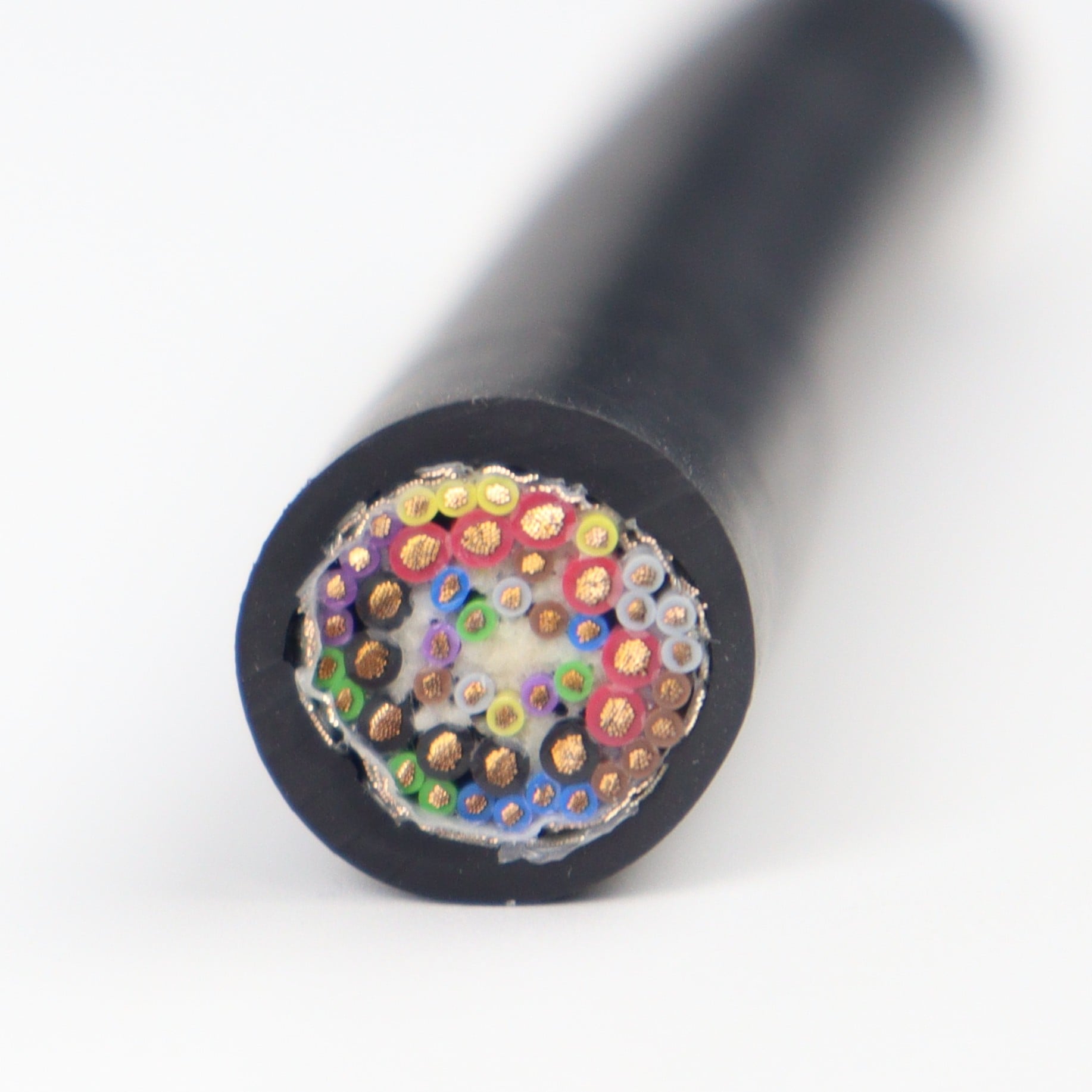
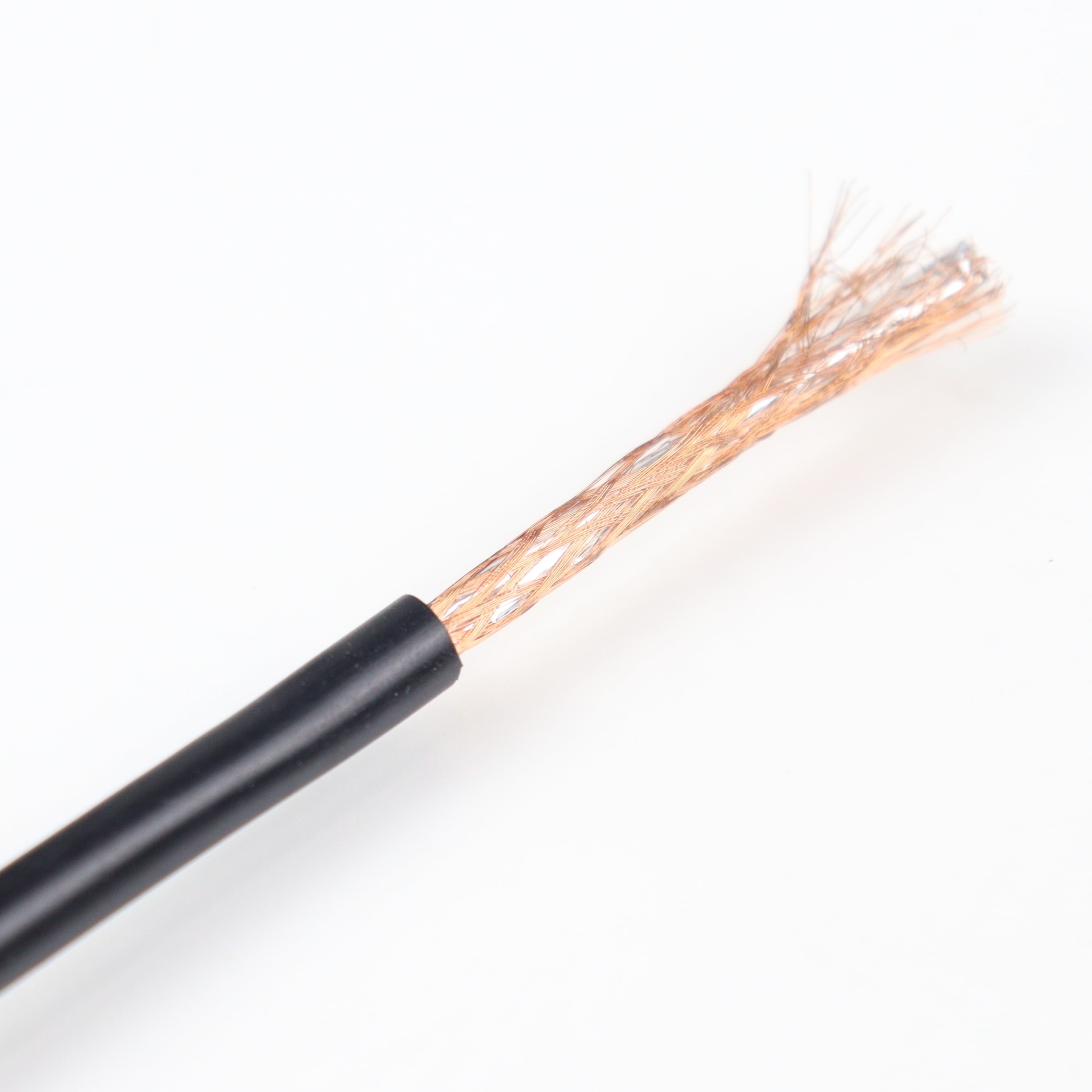
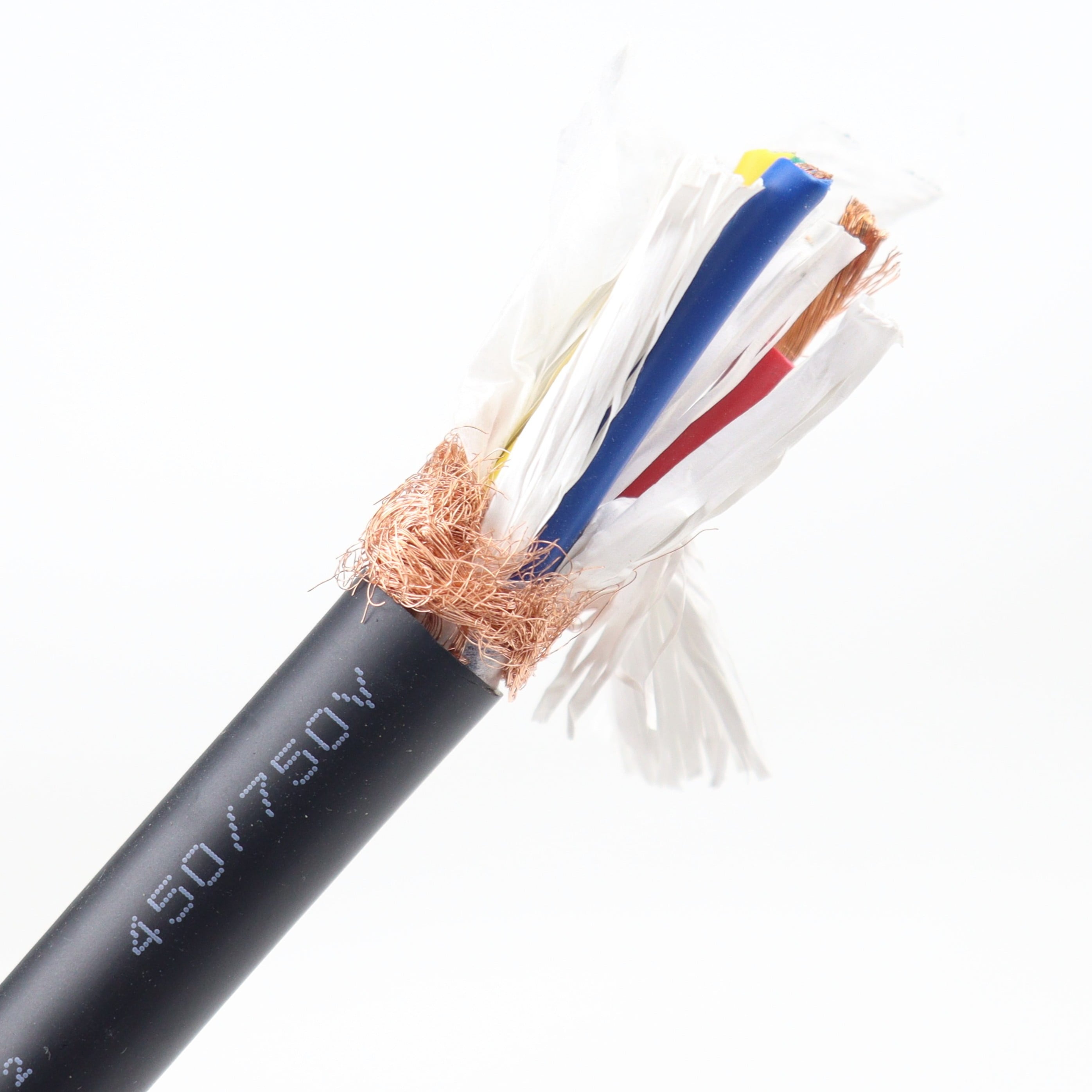
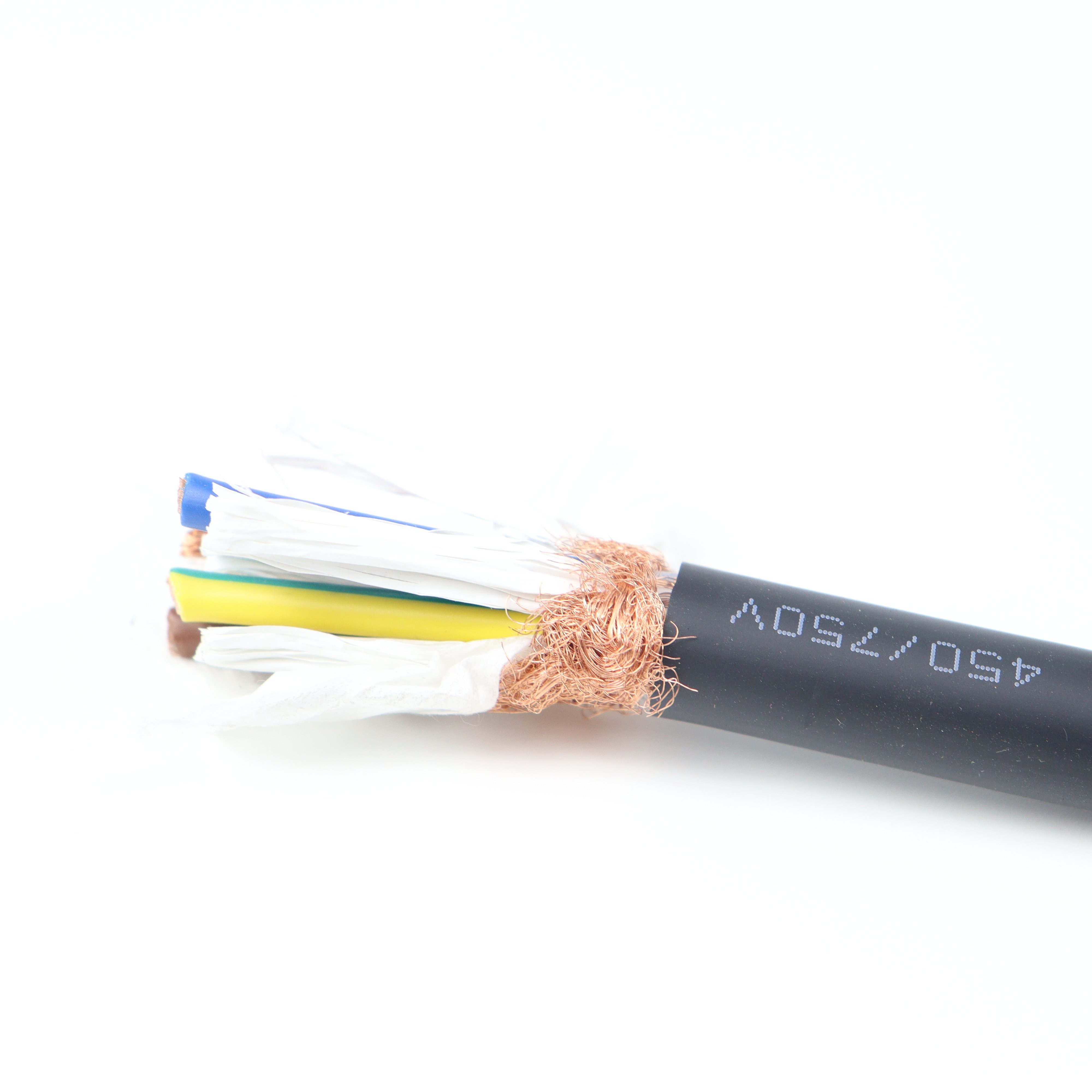
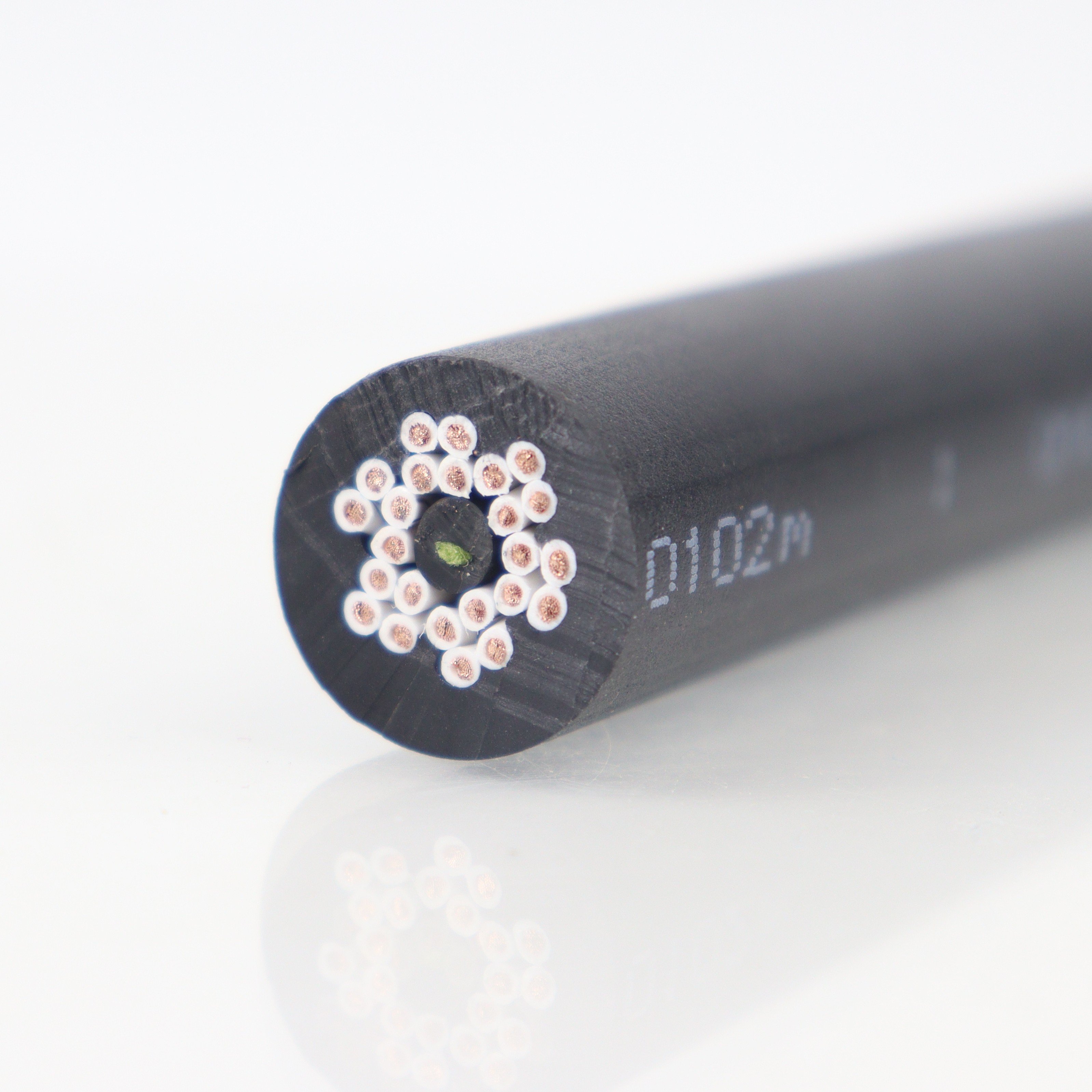
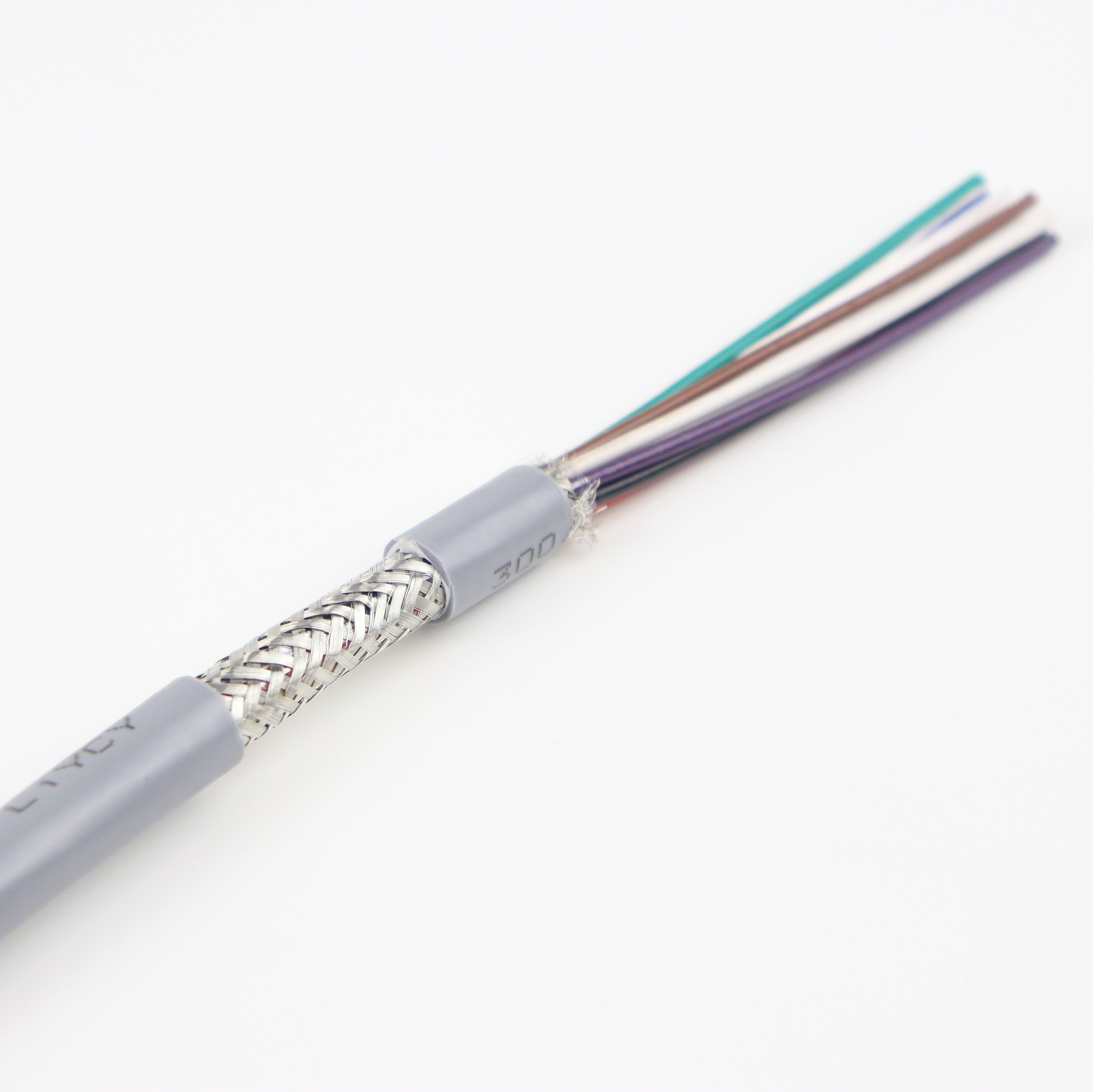
Cable construction also matters, but a cable specification should be matched to the application rather than treated as a universal speed guarantee. Confirm connector type, wiring, length requirements, shielding needs, and the stated data capability for the intended use. Host device compatibility remains a separate check: suitable cabling cannot correct a port, operating system, or driver that does not support the peripheral.
How compatibility affects speed and reliability
Negotiated performance is shaped by the weakest supported link
A transfer rate is an upper bound, not a promise of sustained application throughput. Protocol overhead, device processing, storage performance, software, and shared bandwidth can all affect observed results. USB peripheral transfers should be evaluated under the real workload, and the USB protocol version provides context for the maximum link mode rather than a complete prediction of file-copy time.
A host may expose several ports with different capabilities, even when their connectors look alike. Internal routing through a hub or dock can also affect the available mode. Before diagnosing a slow peripheral, identify the exact port and connection path, then compare the USB protocol version listed for the host and device. Host device compatibility includes both hardware support and the software environment needed to recognize and operate the device.
Reliability issues can arise when an installation combines adapters, long cable runs, bus-powered devices, and demanding workloads. Symptoms such as intermittent disconnection or repeated reconnection do not automatically prove a protocol mismatch, but they justify checking power, cable condition, connector seating, and port configuration. Host device compatibility is particularly important for industrial controllers and test equipment that rely on specific drivers or operating-system behavior.
Shared connections deserve attention in production systems. Multiple devices on one hub may compete for available bandwidth or power, so the same peripheral can behave differently when moved to a direct host port. Compare USB peripheral transfers in a controlled setup, keeping the workload and software constant. This separates a link negotiation limitation from a resource-sharing issue without assuming the Data Cable is at fault.
Use application requirements to set a sensible acceptance target. A keyboard, sensor, or configuration interface may need dependable recognition more than high throughput, while bulk data collection or storage may require higher sustained rates. The USB protocol version should match the use case, and host device compatibility should be verified across the actual computer, operating system, and peripheral combination.
Practical checks for selecting and diagnosing a cable
Verify specifications before installation
Start with documentation for the host port and peripheral, including supported modes, connector details, power needs, and driver requirements. Then verify that any hub, adapter, or dock supports the intended arrangement. This confirms the USB protocol version available along the complete route and clarifies whether host device compatibility issues could prevent the device from enumerating or using its required functions.
Next, select a Data Cable whose stated construction and data capability fit the environment and equipment. In industrial settings, consider routing, movement, electrical noise, and connector retention alongside the interface requirements. USB peripheral transfers depend on a correctly specified assembly, but cable suitability should not be confused with endpoint protocol support; each condition needs its own verification.
Test the deployed configuration rather than assumptions
After installation, test recognition, sustained data exchange, and recovery after reconnecting or restarting the host. Record the port used, intermediate components, device driver, and observed transfer behavior. If performance differs from expectations, simplify the path and repeat the test. Comparing USB peripheral transfers in a direct connection can reveal whether a hub, cable, or configuration is contributing to the limitation.
For procurement and maintenance teams, document supported combinations rather than recording a cable model alone. Include the host platform, peripheral, operating system, port, adapter chain, and required application behavior. This makes host device compatibility easier to reproduce during service and prevents a replacement cable from being blamed for a limitation caused by the USB protocol version or host configuration.
The dependable choice is the one validated against the real operating conditions. Confirm that the Data Cable suits the route and installation demands, then verify the negotiated mode and the peripheral’s behavior on the intended host. USB peripheral transfers become easier to plan when protocol limits, physical path, and software compatibility are treated as connected but distinct parts of the system.
FAQ
Will a newer cable make an older USB port faster?
No. A suitable cable supports a connection, but the port and peripheral still determine the available mode. USB peripheral transfers generally use a mode shared by the connected equipment, so a newer cable cannot upgrade an older host interface.
Why can a device work but transfer data slowly?
The connection may have negotiated a lower supported mode, or a hub, adapter, software, or device may limit throughput. Check the USB protocol version across the path and test the device directly on the host to narrow down the cause.
What should be checked when a peripheral is not recognized?
Confirm power, connectors, port operation, drivers, and the full connection path. Host device compatibility includes the host operating system and required device support, so test the peripheral with a known suitable port and configuration before replacing the cable.

 EN